

Artificial intelligence tools are becoming increasingly popular across the world, and one of the most widely used AI platforms today is ChatGPT. Developed by OpenAI, this AI chatbot helps users generate content, answer questions, solve problems, and even assist with programming tasks.
Millions of people are now using ChatGPT for learning, work, and productivity. However, many beginners still wonder how they can get started with this powerful tool.
In this guide, you will learn how to create a ChatGPT account step-by-step, how to log in, and how to start using the platform effectively.

What Is ChatGPT?
ChatGPT is an artificial intelligence chatbot that can understand and generate human-like text responses. It is designed to help users with tasks such as writing, research, coding, brainstorming ideas, and answering questions.
The platform is powered by advanced language models created by OpenAI. These models are trained on massive datasets, allowing ChatGPT to provide helpful and intelligent responses.
Today, students, freelancers, bloggers, developers, and businesses all use ChatGPT to improve productivity and automate many tasks.
Why People Use ChatGPT
Before learning how to create a ChatGPT account, it is helpful to understand why so many people are using this AI tool
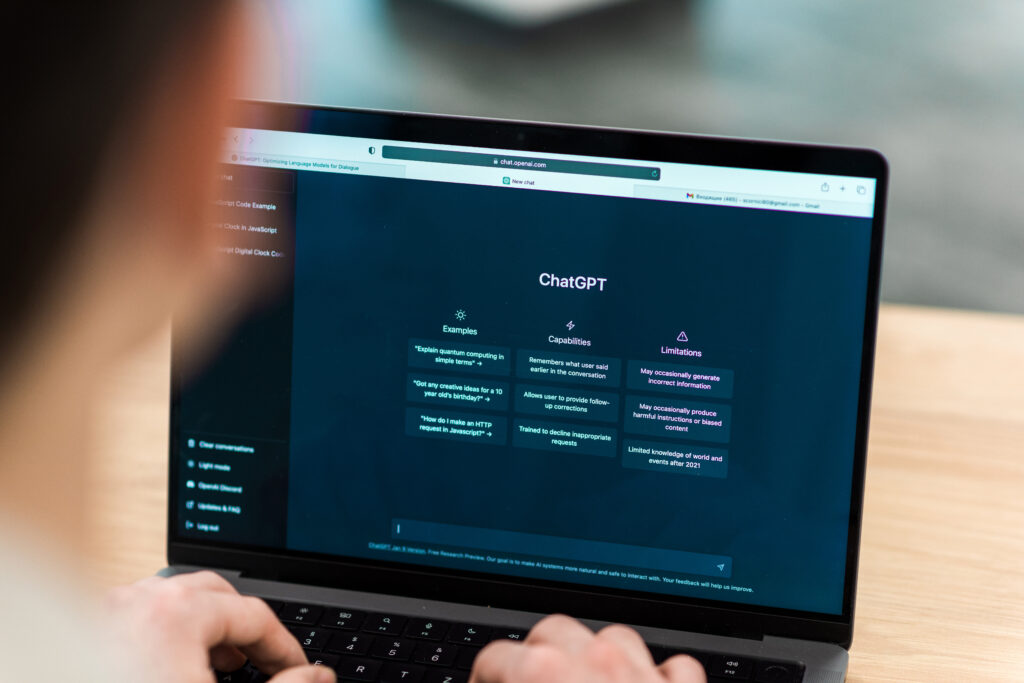
Here are some of the most common reasons:
Content Creation
Bloggers and writers use ChatGPT to generate ideas, outlines, and drafts for articles and blog posts.
Learning and Education
Students use ChatGPT to understand difficult topics, summarize information, and get help with homework.
Programming Help
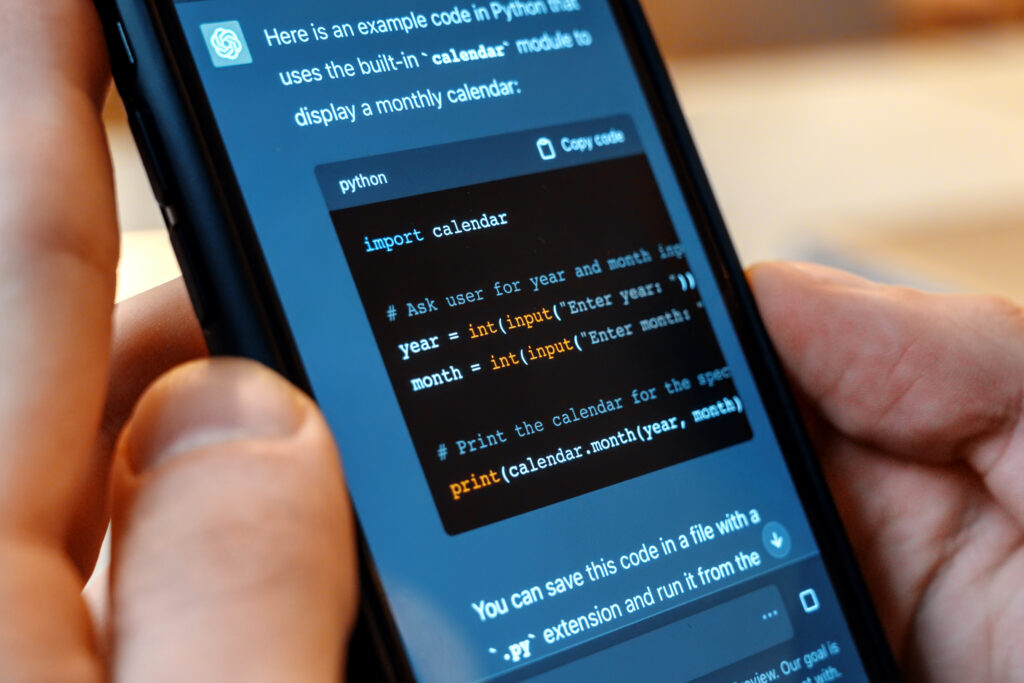
Developers use ChatGPT to debug code, learn programming concepts, and generate code snippets.
Business and Marketing
Businesses use ChatGPT to create marketing content, product descriptions, and social media posts.
Because of these benefits, the number of people searching how to create ChatGPT account continues to grow.
Requirements to Create a ChatGPT Account
Before you create a ChatGPT account, you need a few basic things:
- A smartphone or computer
- A stable internet connection
- An email address or Google account
- A phone number for verification
Once you have these requirements, you can easily create a ChatGPT account within a few minutes.
How to Create a ChatGPT Account (Step-by-Step)
Follow these simple steps to create your ChatGPT account.

Step 1: Visit the Official Website
Open your web browser and go to the official website of ChatGPT.
Make sure you are visiting the official site operated by OpenAI to avoid scams or fake websites.
Step 2: Click the Sign Up Button
On the homepage, you will see the Sign Up option.
Click this button to begin the account creation process.
Step 3: Enter Your Email Address
You will be asked to enter your email address. After entering your email, create a secure password for your account.
You can also sign up using your Google or Microsoft account for a faster registration process.
Step 4: Verify Your Email Address
After submitting your email address, you will receive a verification email.
Open your email inbox and click the verification link to confirm your email address.
Step 5: Verify Your Phone Number
To complete the registration process, you may need to verify your phone number.
Enter your phone number and input the verification code sent to your device.
Step 6: Start Using ChatGPT
Once verification is complete, your account will be ready.
You can now log in and start using ChatGPT for writing, research, coding, and many other tasks.
How to Login to Your ChatGPT Account
After creating your account, logging in is very simple.
Follow these steps:
- Visit the official ChatGPT website
- Click Login
- Enter your registered email and password
- Click the login button
You will now have full access to your ChatGPT dashboard.
Common Problems When Creating a ChatGPT Account
Sometimes users face small issues during the signup process. Here are a few common problems and their solutions.

Email Verification Not Received
Check your spam or junk folder. Sometimes verification emails may appear there.
Phone Verification Error
Ensure that you are entering the correct phone number and country code.
Website Not Loading
Try refreshing the page or using another browser.
These small issues are usually easy to fix and do not take much time.
Tips for Using ChatGPT Effectively
After you create a ChatGPT account, here are a few tips to get the best results.
Ask Clear Questions
The clearer your question, the better the response from the AI.
Use Detailed Prompts
Provide enough details so ChatGPT can generate accurate and helpful responses.
Experiment With Different Prompts
Trying different prompts can help you discover new ways to use the AI tool.
Is ChatGPT Free to Use?
Yes, ChatGPT offers a free version that allows users to access many features without paying.
However, there are also premium plans that provide additional capabilities, faster responses, and access to advanced models.
These premium plans are designed for professionals and businesses that need more powerful AI features.
The Future of AI Tools Like ChatGPT
Artificial intelligence technology is evolving rapidly. Tools like ChatGPT are expected to become even more advanced in the coming years.
Future versions may include better reasoning abilities, more accurate responses, and deeper integration with other software tools.
As AI continues to grow, learning how to create and use these tools will become an important skill for students, professionals, and businesses.
Conclusion
Creating a ChatGPT account is a quick and simple process that allows you to access one of the most powerful AI tools available today.
By following the steps in this guide, you can easily create a ChatGPT account, log in, and begin exploring the many features .offered by this innovative platform.
Whether you are a student, freelancer, blogger, or developer, tools like ChatGPT can significantly improve productivity and help you complete tasks more efficiently.
As artificial intelligence continues to evolve, platforms developed by OpenAI will likely play an even bigger role in the future of work and technology
If You want to know How to learn AI Skills in 2026 then check our guides on How to Learn AI Skills in 2026 (step-by-step Beginner’s Roadmap)