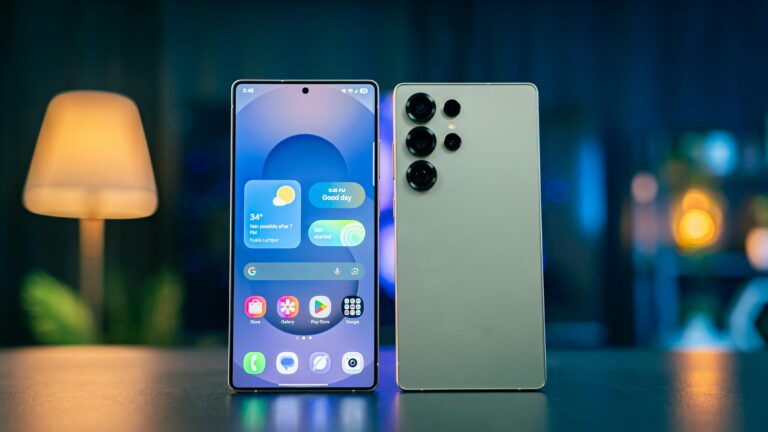

Many users install performance-boosting apps, but these often do more harm than good. In reality, both smartphones and laptops already include built-in tools that can improve speed and efficiency.
This guide shows how to optimize performance without installing any third-party apps.

Step 1: Remove Unused Apps and Files
Unused apps consume storage and resources.
- Delete apps you don’t use
- Clear old downloads and files
- Keep sufficient free storage
Free space improves performance.
Step 2: Limit Startup and Background Apps
Background apps slow devices.
- Disable unnecessary startup programs
- Restrict background activity
- Restart your device weekly
Step 3: Reduce Visual Effects
Animations consume system resources.
- Reduce motion effects
- Disable unnecessary transitions
- Choose simple themes or display settings
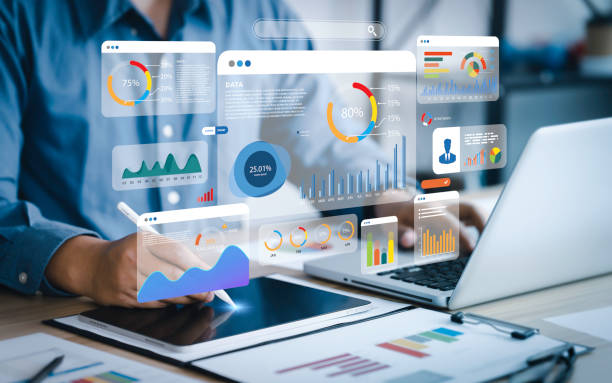
Step 4: Monitor System Resources
Use built-in tools:
- Task Manager (Windows)
- Activity Monitor (Mac)
- Close apps that consume excessive CPU or memory.

Step 5: Keep Your System Clean and Updated
Regular updates improve performance and stability.
- Install system updates
- Remove outdated software
Final Thoughts
You don’t need extra apps to speed up your devices. Built-in tools and simple maintenance habits can keep smartphones and laptops running smoothly for years.