

Smartphones store sensitive personal data, making them a common target for hackers and malware. From fake apps to phishing links, security threats are increasing every day.
This guide explains simple and effective steps to protect your smartphone from hacking and malicious software.

Common Smartphone Security Threats
Smartphone users often face:
- Malicious apps
- Phishing messages and emails
- Fake software updates
- Unsecured public Wi-Fi networks
Awareness is the first step toward protection.
Step 1: Install Apps Only from Official Stores
Always download apps from:
- Google Play Store
- Apple App Store
Avoid third-party app stores, as they may contain harmful software.
Step 2: Keep Your Phone Updated
Security updates fix known vulnerabilities.
- Enable automatic updates
- Update apps regularly
- Avoid using outdated operating systems
Step 3: Enable App and Device Security Features
Use built-in protections:
- Screen lock (PIN, fingerprint, Face ID)
- App permissions control
- Device encryption
These features help block unauthorized access.
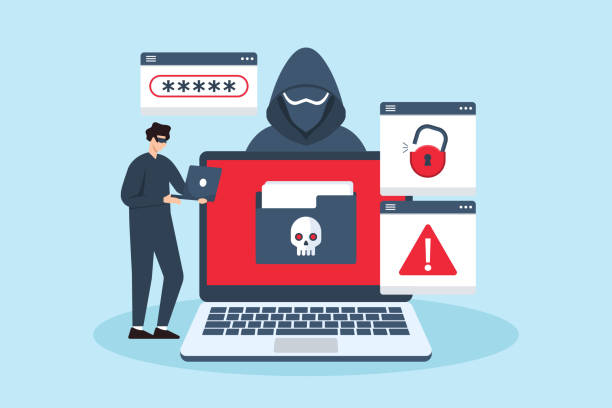
Step 4: Be Careful with Links and Attachments
Avoid clicking:
- Unknown links
- Suspicious messages
- Unverified email attachments
Phishing attacks often disguise themselves as trusted messages.
Step 5: Use Secure Networks
- Avoid sensitive activities on public Wi-Fi
- Turn off Wi-Fi when not needed
- Use a trusted VPN if necessary
Final Thoughts
Protecting your smartphone from hacking requires basic habits, not advanced technical skills. Staying updated, cautious, and aware can keep your device secure and your data safe.