
In this article I Explain you about 10 Best AI tools for Youtubers.
YouTube has become one of the most competitive platforms for content creators. Millions of videos are uploaded every day, making it harder for new creators to stand out. However, artificial intelligence is transforming the way YouTubers create, edit, and optimize their videos.
Today, many successful creators rely on AI-powered tools to generate ideas, edit videos quickly, design thumbnails, and optimize their content for better reach. These tools help save time and improve the overall quality of videos.
In this article, we will explore the best AI tools for YouTubers in 2026 that can help creators grow their channels, improve productivity, and attract more viewers.
Why YouTubers Should Use AI Tools
Creating YouTube content involves many tasks such as planning video ideas, recording content, editing videos, creating thumbnails, writing descriptions, and promoting videos. Managing all these tasks alone can be overwhelming.
This is where AI tools become extremely useful. The best AI tools for YouTubers can automate many repetitive tasks and help creators focus more on creativity and storytelling.
Some benefits of using AI tools include:
- Faster video editing
- Better thumbnail design
- SEO optimization for videos
- Automatic captions and subtitles
- Improved content ideas and scripts
Using AI tools allows creators to produce professional-quality content without spending hours on editing or research.
1. ChatGPT – Best AI Tool for Video Ideas and Scripts
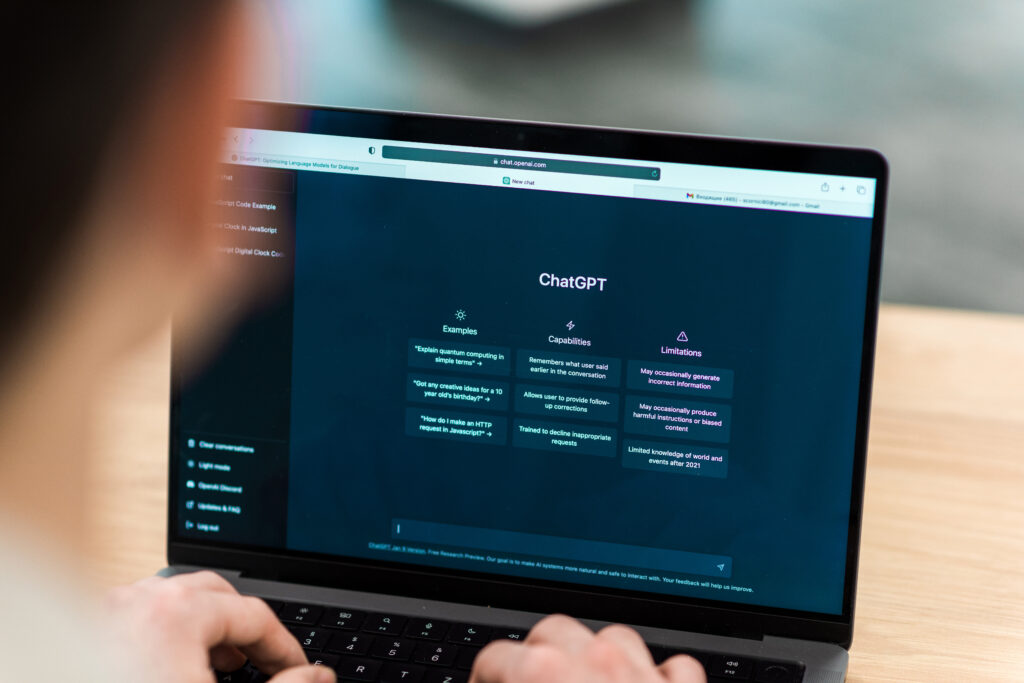
One of the most useful AI tools for content creators is ChatGPT, developed by OpenAI.
YouTubers can use ChatGPT to:
- Generate video ideas
- Write video scripts
- Create engaging titles
- Draft video descriptions
- Research trending topics
For creators who struggle with planning content, ChatGPT works like a creative assistant that helps generate fresh ideas quickly.
2. TubeBuddy – AI Tool for YouTube SEO
TubeBuddy is one of the most popular tools used by YouTubers for optimizing their channels and videos.
This AI-powered tool helps creators with:
- Keyword research
- Tag suggestions
- Video SEO optimization
- Competitor analysis
- Thumbnail testing
By using TubeBuddy, creators can discover trending keywords and improve their chances of ranking higher in YouTube search results.
3. Canva – AI Tool for Thumbnails and Graphics
A good thumbnail can dramatically increase video clicks. Canva is one of the best tools for designing professional YouTube thumbnails.
With Canva, YouTubers can:
- Create eye-catching thumbnails
- Design channel banners
- Make intro graphics
- Create social media promotional images
Canva also provides AI design suggestions and templates, making it easy even for beginners to create high-quality visuals.
4. Descript – AI Tool for Video Editing
Descript is a powerful AI-based video editing tool that allows creators to edit videos by simply editing text.
Features include:
- Automatic video transcription
- AI voice editing
- Screen recording
- Podcast and video editing
This tool is extremely helpful for YouTubers who want to edit content quickly without complicated editing software.
5. Pictory – AI Tool for Creating Videos Automatically
Pictory helps creators convert text or blog content into engaging videos.
YouTubers can use Pictory to:
- Turn scripts into videos
- Create short videos for YouTube Shorts
- Generate captions automatically
- Repurpose blog posts into videos
This tool is especially useful for creators who want to produce content quickly.
Tips for Using AI Tools on YouTube
Although AI tools can significantly improve productivity, creators should use them wisely.
Here are a few important tips:
- Always add your own creativity to AI-generated content
- Focus on providing value to viewers
- Use AI tools to assist, not replace creativity
- Optimize titles, descriptions, and thumbnails carefully
The most successful YouTubers combine AI tools with original ideas and engaging storytelling.
The Future of AI in YouTube Content Creation
Artificial intelligence will continue to play a major role in the future of content creation. From automated editing to smart video recommendations, AI technology is making it easier for creators to produce high-quality videos.
The best AI tools for YouTubers will continue evolving, providing new ways to create, edit, and promote content more efficiently.
Creators who learn how to use these tools effectively will gain a strong advantage in the highly competitive YouTube landscape.

Conclusion
In this guide, we will explore the best AI tools for freelancers that can help you save time and increase productivity.
AI tools are transforming the way YouTubers create content. From idea generation and script writing to video editing and thumbnail design, artificial intelligence can simplify many aspects of the content creation process.
By using the best AI tools for YouTubers, creators can save time, improve video quality, and grow their channels faster. Tools like ChatGPT, TubeBuddy, and Canva are becoming essential resources for modern content creators.
If you want to know about Best AI Tools for freelancer so Check our guide on Best AI Tools For Freelancer in 2026 to Boost (Productivity and Income)